
Home
ScienceWord and PagePlayer
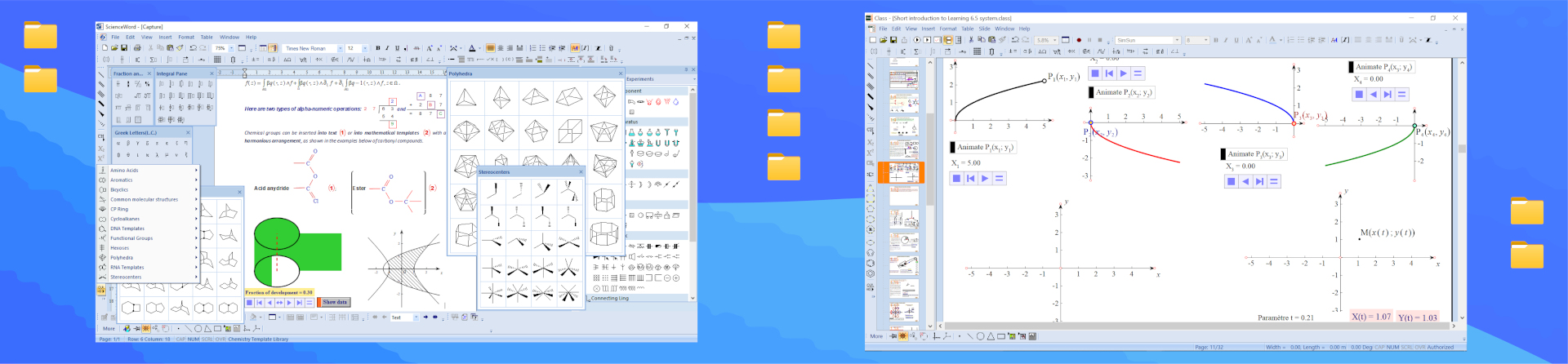
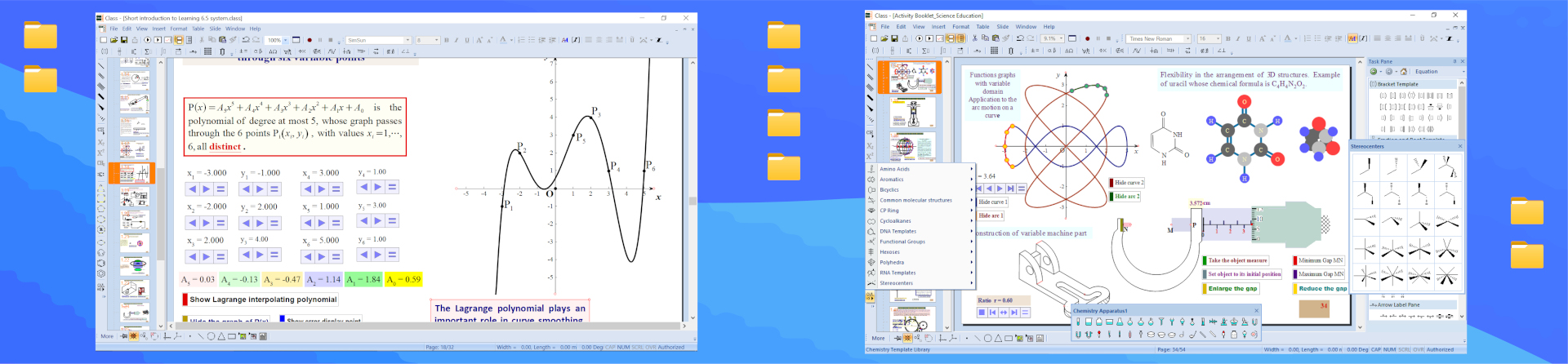
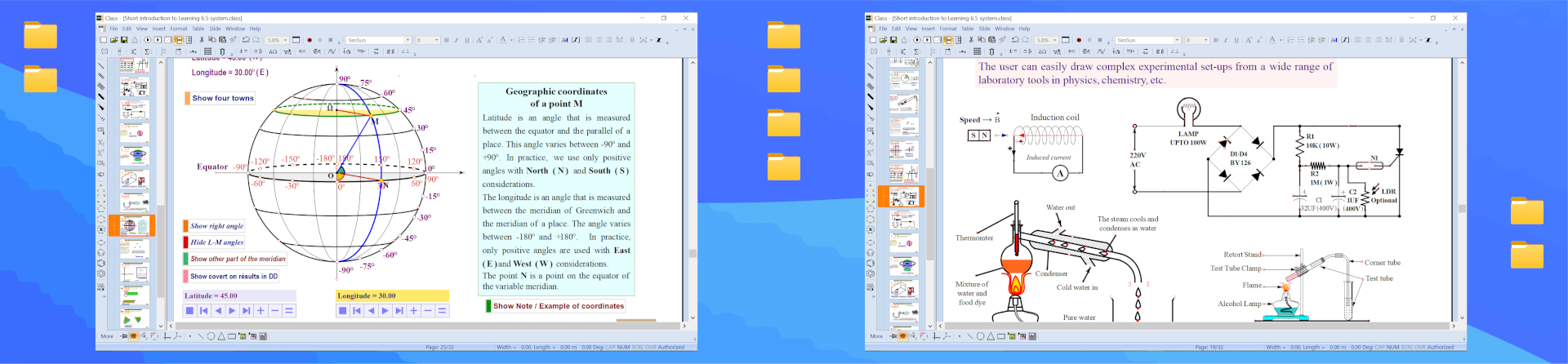
ScienceWord and PagePlayer are two revolutionary tools for scientific word processing and presentation. They are the only software that offer overall word processing and public presentation solution in the production of scientific and technical documentation, making it possible to combine and integrate words, formulae, chemical bonds and macromolecules, graphics, curves, logic diagrams, dynamic constructions, and many more, perfectly in one single document. For more detail, please check the documentation and the video tutorials.
New concept in typing scientific text
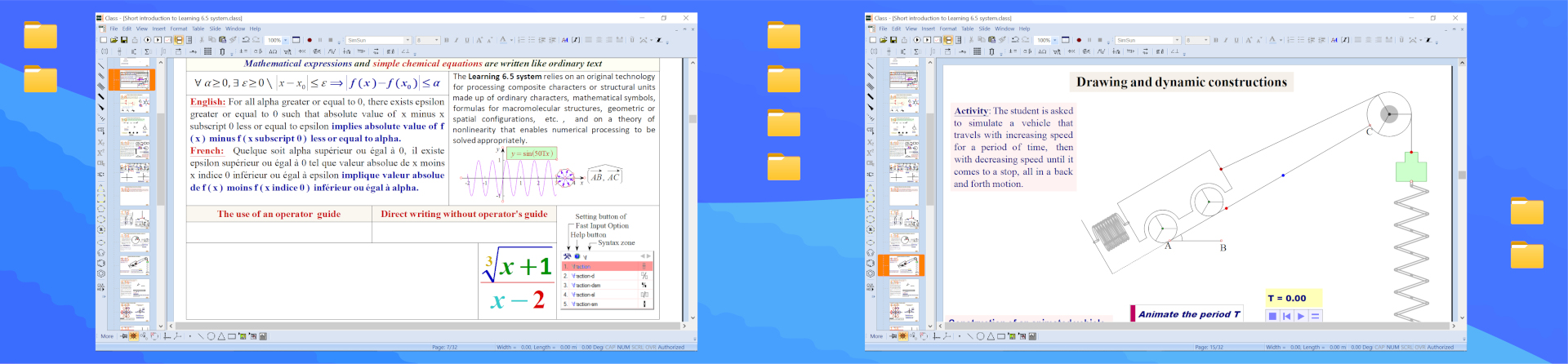
Three methods of writing scientific expressions:
- The traditional method of clicking
- The use of shortcut or hot keys
- The Fast Input Option: A big revolution that enables to insert equation just based on the name of the operator in any language (Asian, European, American or African).
New concept of embedded objects in word processor
The insertion of object into the text is done in a stunned way in ScienceWord.
- Object can be inserted directly at any position of the cursor
- The vertical alignment options allow to align object into text at any altitude from the text
New concept on drawing
ScienceWord and PagePlayer make it also possible to draw on the basis of point, line, triangle, rectangle, polygons, circle, ellipse, Bezier curve, free hand curve, etc.
- Plane geometric applications: rotation, symmetric, projection, translation, homothetic;
- Logical Graphics and Dynamic Association technologies;
- Option of drawing lines in the Natural Way for the purpose of linking objects through a specific relationship ( parallelism, perpendicularity, tangential direction, etc.)
- Independent variables, functional variables and dynamic objects data;
- Options of Objects Properties and Motions properties;
- Physics and Chemistry Apparatuses;
- Use of Graphics Library
A big revolution in drawing process
When any basic plane geometric object is drawn, the useful tools pop up automatically in geometry toolbar.
There is generally a perfect correspondence between the basic geometric drawings under selection and the geometric tools required for creating a geometrical object.
For more detail, please check the documentation and the video tutorials.
New concept in plotting graphs
- The notion of merging 2D coordinates system graphs and objects.
- The notion of domain of definition where the boundary values can be chosen as variables.
- The notion of points coordinates that can be considered as variables in both axes coordinates system and polar coordinates system.
- You can draw several coordinates system in the same sheet or copy and paste just like simple geometrical object.
- When a line, a circle, an ellipse are drawn in axes coordinates system, their equations are displayed in object properties dialogue box
- You can define variables and use them as parameters in multi parameter function dialogue box to create animated function curve.
- You can plot any kind of 3D graph with flexible options of grid, colour, rotation around any coordinates axis, etc.
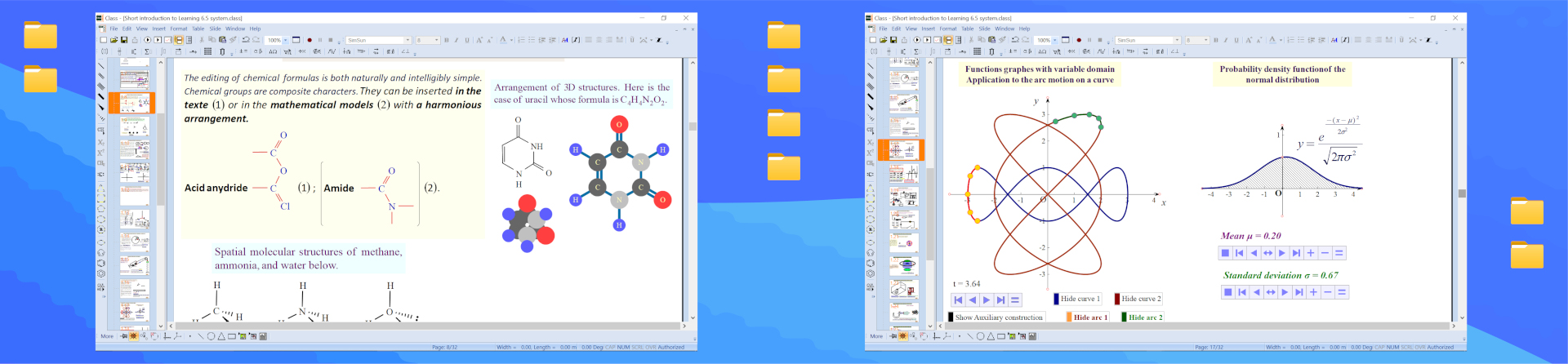
New concept on chemical formulae
Chemical bonds, groups, macromolecules and chemical labels link automatically
New concept in performing usual arithmetic calculation
In ScienceWord and PagePlayer, you can easily perform usual arithmetic calculations such as addition, subtraction, multiplication, division, factorization of a number, the Greatest Common Divisor (GCD) and the Least Common Multiple (LCM) of any two strictly positive integers, with the possibility of displaying the results.
New concepts in presentation software
In PagePlayer, you can:
- animate in an independent manner, the selection of any par of the text for differential animation (involving mathematical or chemical formulae);
- write or draw in teaching mode and switch from that mode to show;
- launch find and replace in formulae and super label
- add animation effect to text, formulae and images in table
- open directly any PowerPoint presentation file or any MS Word document
- record videos thanks to the Multimedia record butons any PagePlayer presentation including all actions taking place on the screen as .avi file,
- use third-party screen recording option to generate HTML file with all the animation, sound, video and flash content.
- edit in full screen or teaching mode with the possibility of displaying the needed toolbars or using the white board tools.
- Not only does PagePlayer support the insertion of multimedia files like sounds and video, but also the insertion of multimedia files like Flash; and make it possible to read them without any previous installation of multimedia players.
What is being described here is just a tip of the iceberg. For more features, please, check the documentation and the video tutorials.


